Move off Webflow, Framer or HubSpot CMS.
We specialise in moving business websites off the platform they’ve outgrown. Every page, redirect and form comes across, your analytics and tracking are set up properly, and your new site is live for review in seven days.
What comes across
Everything that matters moves with you.
A migration only works if nothing quietly breaks. This is the checklist we work through on every move.
- 01Every page and post
Your pages, blog posts and landing pages come across word for word, with their images and alt text.
- 02A redirect for every old address
We map each old URL to its new home, so the rankings and links you’ve earned keep working.
- 03Your forms and lead flow
Enquiries keep landing where they do now, including HubSpot forms that feed your CRM.
- 04Analytics and tracking
Google Analytics, Tag Manager, conversion events, ad pixels and HubSpot tracking, set up and tested before launch.
- 05Titles, descriptions and schema
The details search engines read carry across, and we fix the ones that were missing.
- 06The switch-over
We point your domain, check every redirect on the live site and submit the new sitemap to Google Search Console.
Where you’re moving from
We know the platforms you’re leaving.
Webflow
You keep your design ideas and lose the workspace seats, CMS limits and plan upgrades. Your CMS collections come across as pages we manage for you.
Read our Webflow guide →Framer
You keep the polish and gain a site that’s built for search and easy to change. Every page, CMS item and redirect comes across.
Read our Framer guide →HubSpot CMS
You keep HubSpot as your CRM, with your forms, meetings and tracking still feeding it, and stop paying for the website side.
Read our HubSpot CMS guide →
A real migration
AccountKit left a $12,000-a-year HubSpot CMS.
Every old URL, all 45 blog posts word for word, and the HubSpot forms, meetings and tracking the sales team relies on came across. Drag across to see the old site turn into the new one.
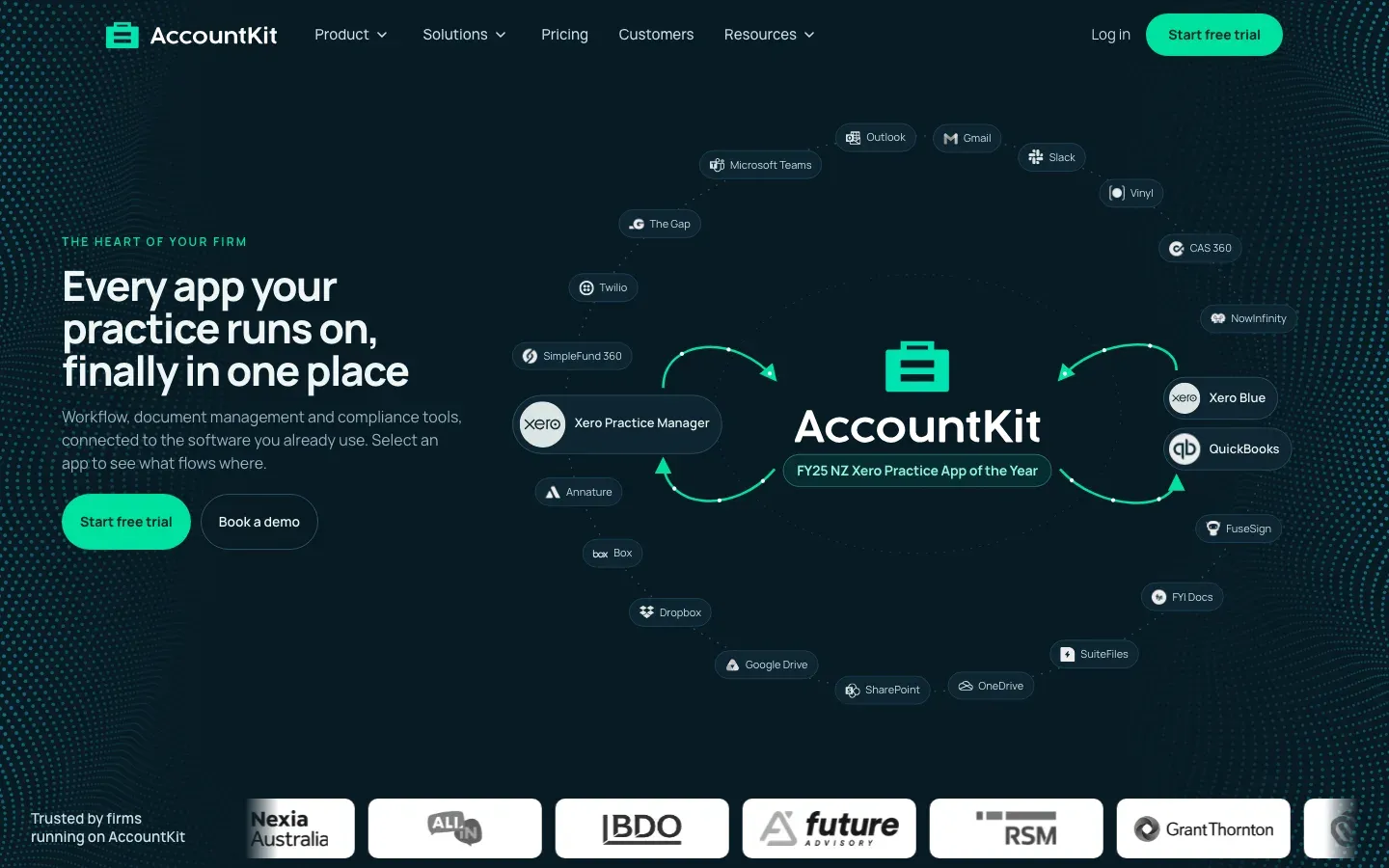
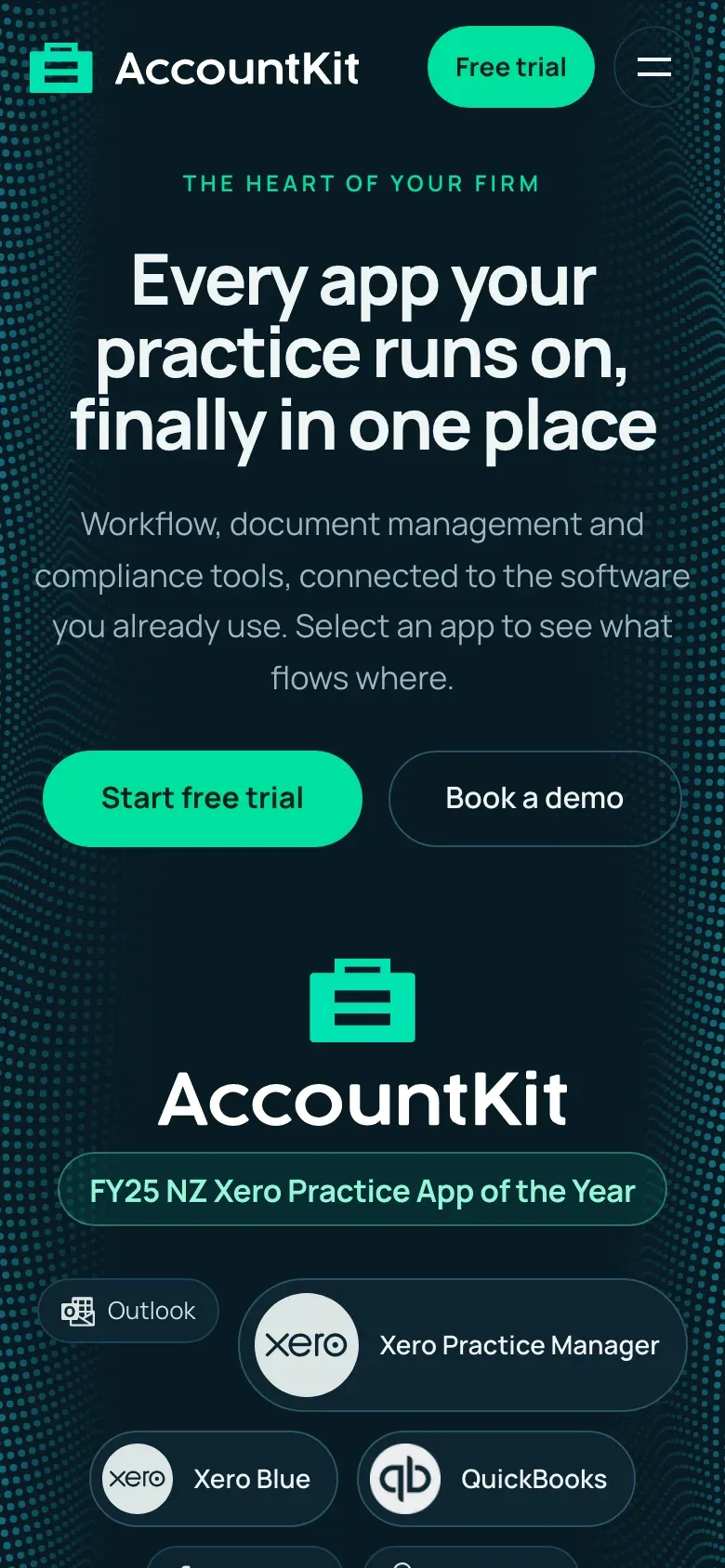
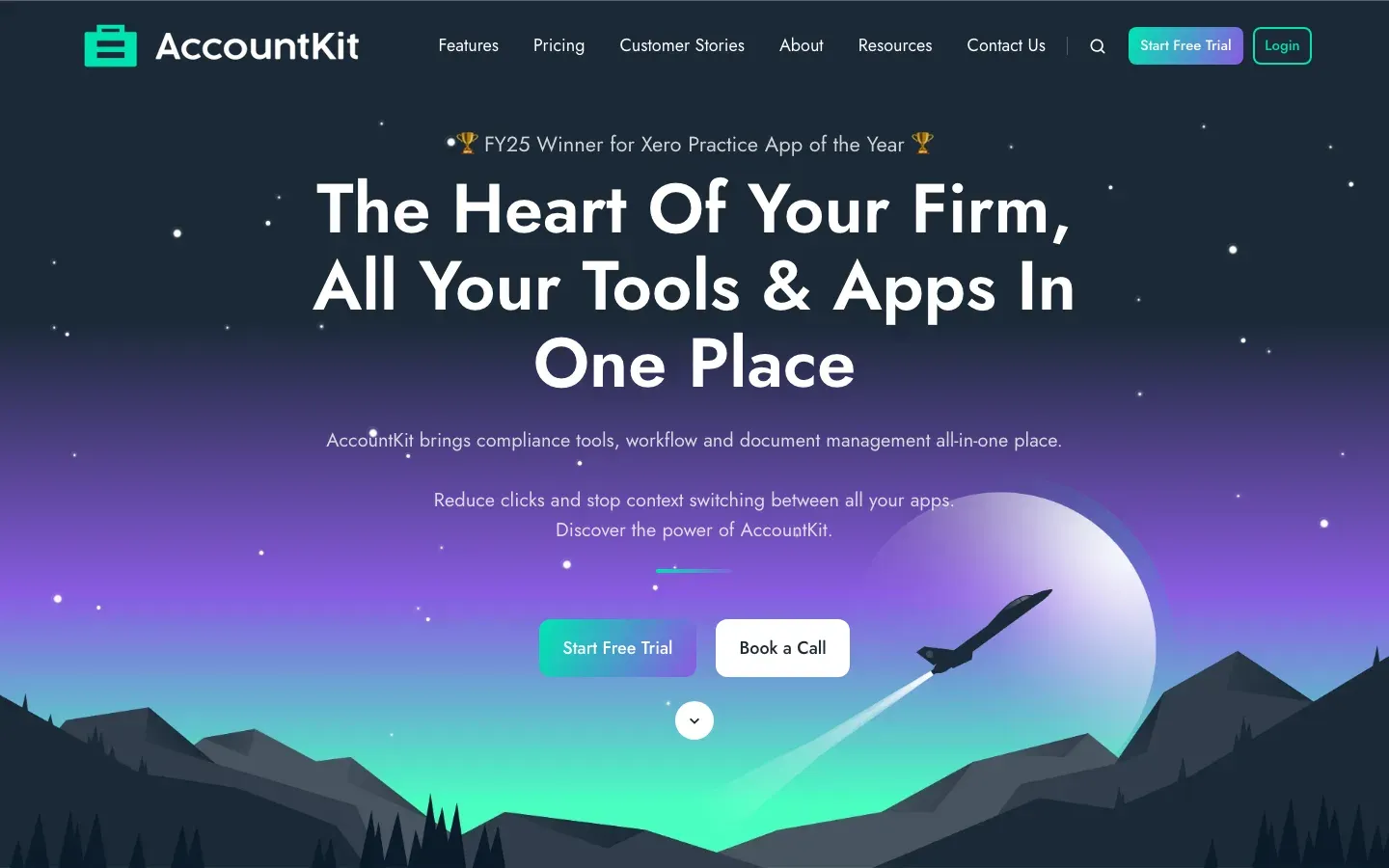

How we moved AccountKit → Easy Business: 168 pages and 66 posts off HubSpot →
What it costs
Migration is included in Studio and Full build.
Both are fixed prices for a fixed week. Live on the day we promise, or your money back.
- Up to 12 pages
Studio
Most service businesses. Room for every service and a blog.
$12,500Start Studio - Up to 20 pages
Full build
Multi-location, multi-service, or a full migration.
$19,500Start Full build
Not sure which fits? Ask for a 15-minute call or compare every package.
Questions
What people ask before they move.
Will I lose my Google rankings?
Not if the move is done properly, and that’s the part we spend the most care on. Every old address gets a redirect to its new page, titles and descriptions carry across, and we submit the new sitemap to Google on launch day. AccountKit moved off HubSpot’s CMS with all 74 old URLs accounted for.
Can we keep using HubSpot as our CRM?
Yes. Most teams who leave HubSpot’s CMS keep the CRM. We embed your HubSpot forms and meeting links on the new site and install the tracking code, so leads and activity keep flowing into HubSpot exactly as before.
How long does a migration take?
The same seven days as any build. Your site is live for review on Day 7, and if it isn’t, your build is refunded in full. Very large sites with hundreds of pages are quoted separately so the date stays real.
Which package do I need?
Migration is included in Studio, for sites up to 12 pages, and Full build, for up to 20 pages with a full content migration. If your blog is bigger than that, tell us in the brief and we’ll confirm what fits.
What happens to our analytics history?
It stays where it is. Your Google Analytics property and HubSpot history aren’t tied to the website platform, so the new site reports into the same accounts and your history carries on.
Read before you move
All guides in The Build →- The website migration checklist that keeps your rankings, forms and tracking working when you switch platformsA website migration checklist for moving off Webflow, Framer, HubSpot or WordPress without losing your rankings, enquiries or tracking.
- How to move your website off HubSpot’s CMS and keep HubSpot as your CRMA practical HubSpot CMS migration guide covering what Content Hub costs, what you keep, and how to move without losing rankings, forms or leads.
- Webflow pricing in 2026, and what your site will really cost you each yearWebflow pricing explained for service businesses, with what each plan costs, the seat and bandwidth costs people miss, and a yearly cost for a 12-page site.



Book your week, and we’ll take it from there.
Start your buildIt takes just over an hour of your time, and none of it is on a call.
Thanks, we’ve got your question. We’ll reply by email, usually within one business day.
Rather talk first? Ask for a 15-minute call